

If you are bothered by Calls from unknown numbers and want to know How to Block Unknown Numbers on Android Device then this is a very simple procedure. Often a lot of calls come from unnecessary numbers and you can do nothing for them but if you are an Android user your problem will be solved very easily. No matter what network you’re using, the procedure is the same for every Network.
Most of the time calls come from unnecessary numbers. You may have a scheme with you so it is important to stop calls coming from unnecessary numbers.

Guide: How to Block Unknown Numbers Automatically
You will need to follow a few steps to prevent calls from unnecessary numbers.
Step: 1
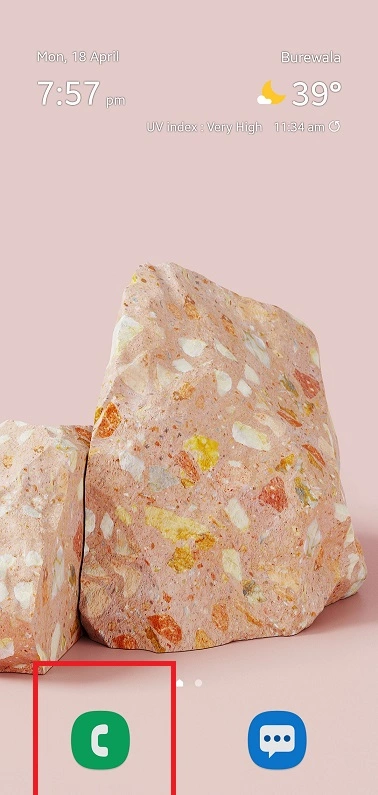
Click on the Phone dialer at which bottom of the Mobile Screen as you can see below.
Step 2
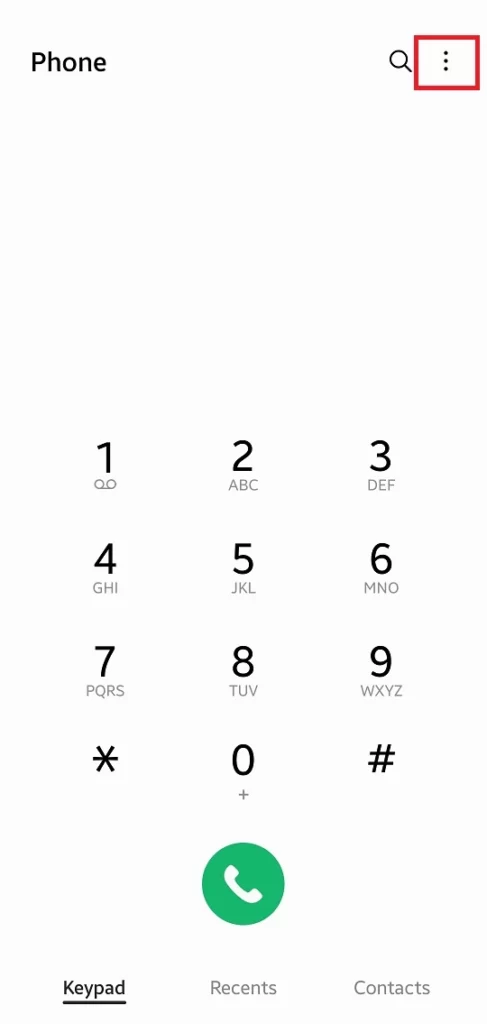
Click on Three dots which is in the top right corner.
Step 3
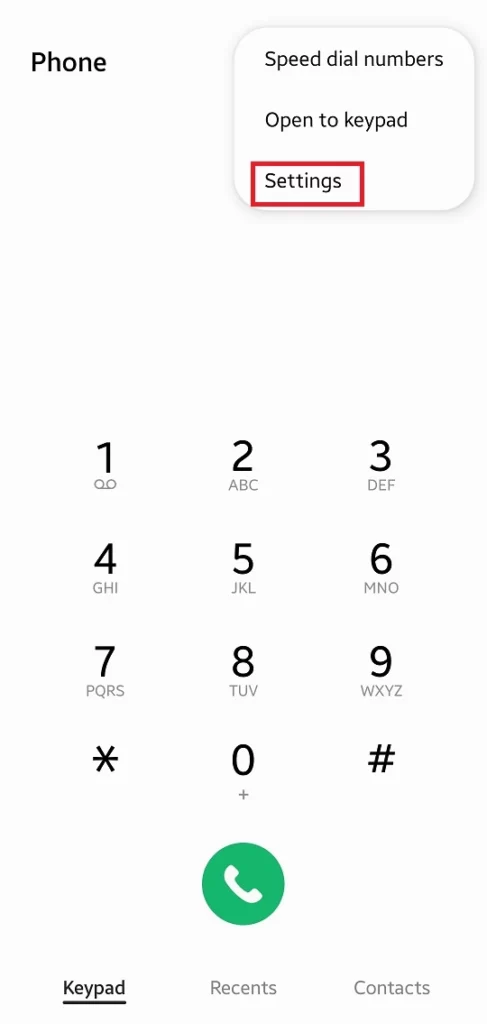
In the three dots menu, you will see the settings button and click on it.
Step 4
In this section, you will see Block Number Button click to turn on this feature.
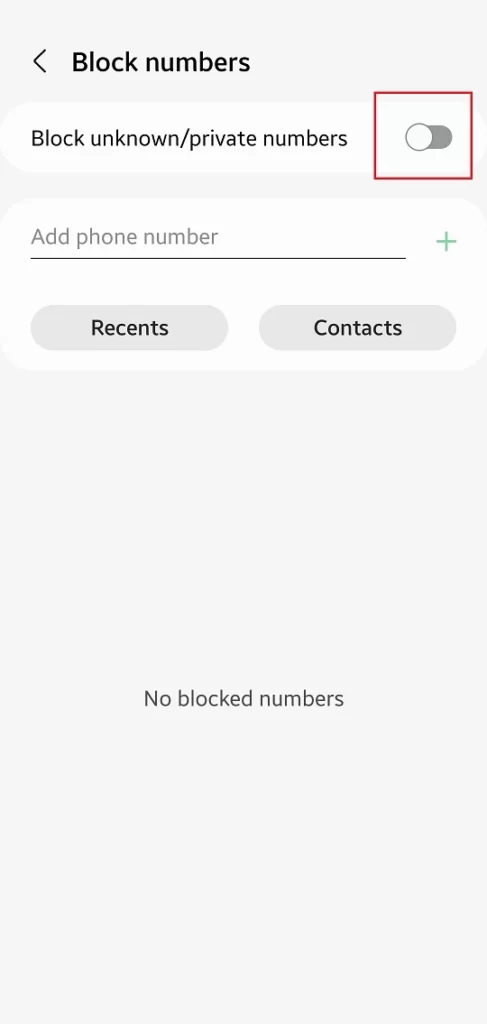
In the additional Setting, if you want to block a specific number at the bottom you will see the option to add a Phone number and write on the number in this section which you want to block.
